Prototype
Expenses
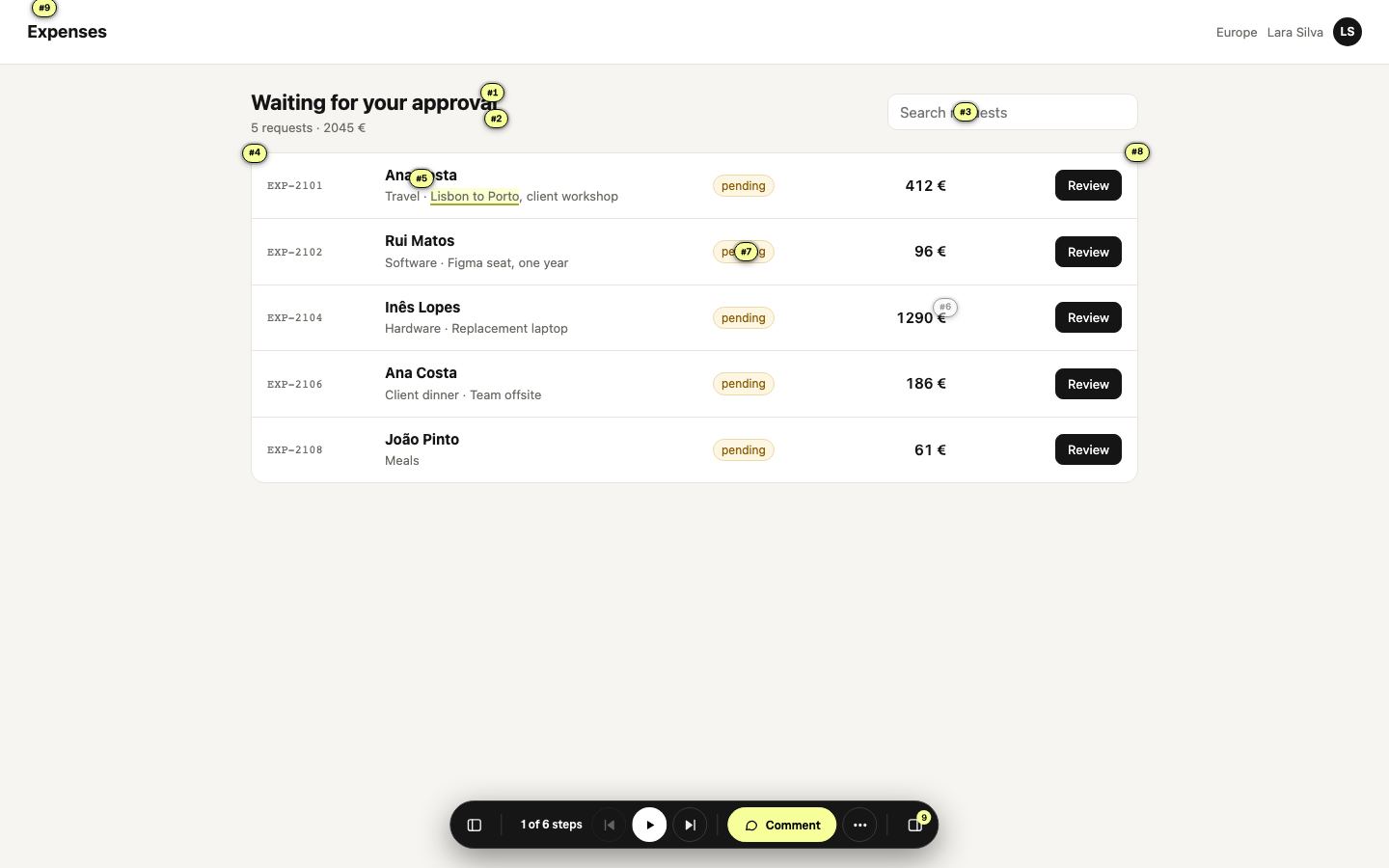
An expense-approval app with roles, data sets, failures and four versions.
Press play, switch the journey, try Payout declined, open the storyboard. Open demoSuper Artifact Manager gives any prototype, document or deck your agent builds a player bar, journeys, versions, a storyboard and live comments, on the real thing. No SaaS, no account. You ask your agent to add it.
curl -fsSL https://super-artifact-manager.vercel.app/install.sh | shSix mock products with fictional data: 3 prototypes, 2 documents and 1 presentation. Each one is already reviewed by people and by Claude Code, and opens in a new tab. Your comments stay in your browser.
Example apps built with real code, with different journeys, failures, play, a storyboard and versions.
An expense-approval app with roles, data sets, failures and four versions.
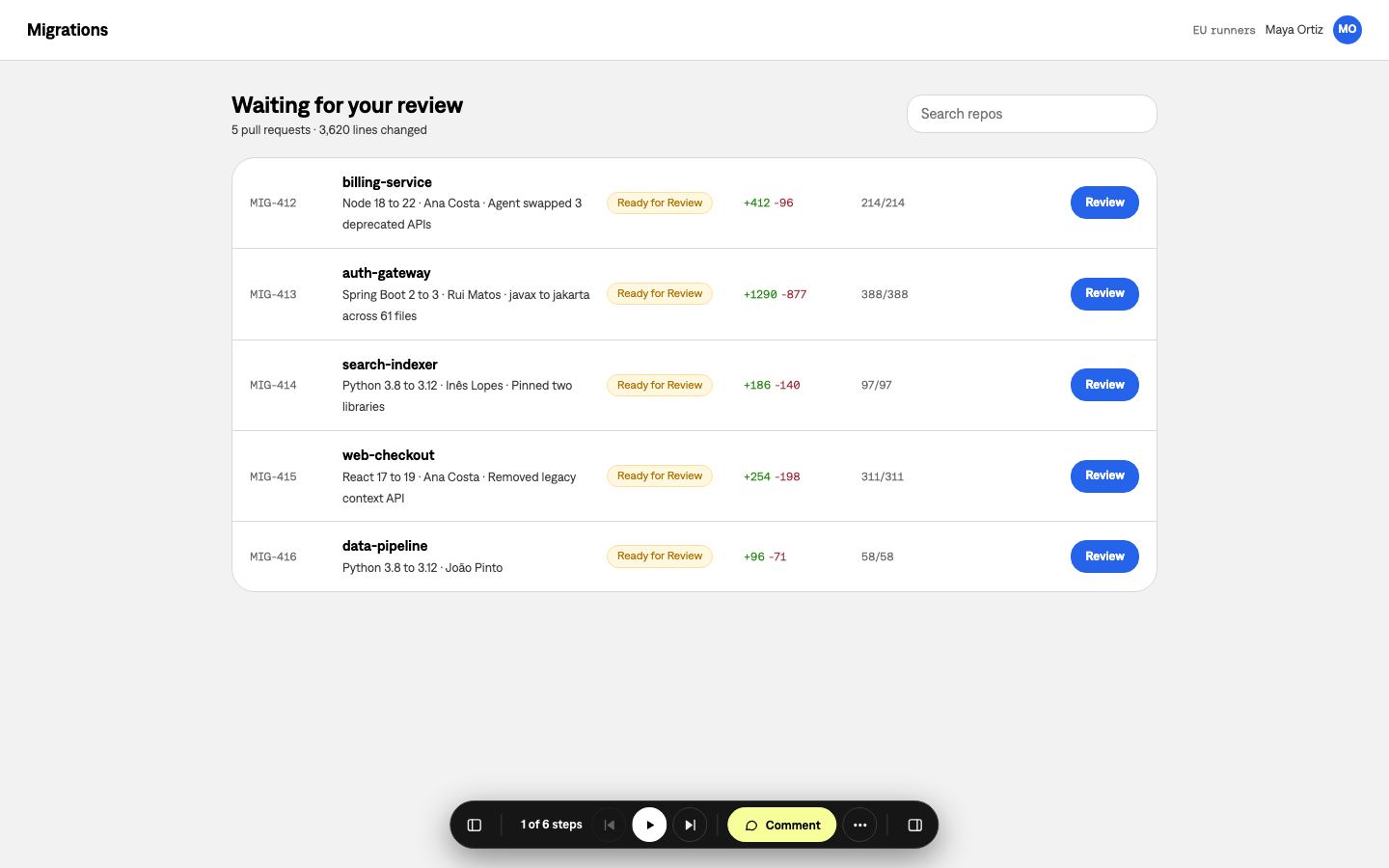
Press play, switch the journey, try Payout declined, open the storyboard. Open demoAn agent opens framework-upgrade pull requests across a fleet of repos. A reviewer merges them.
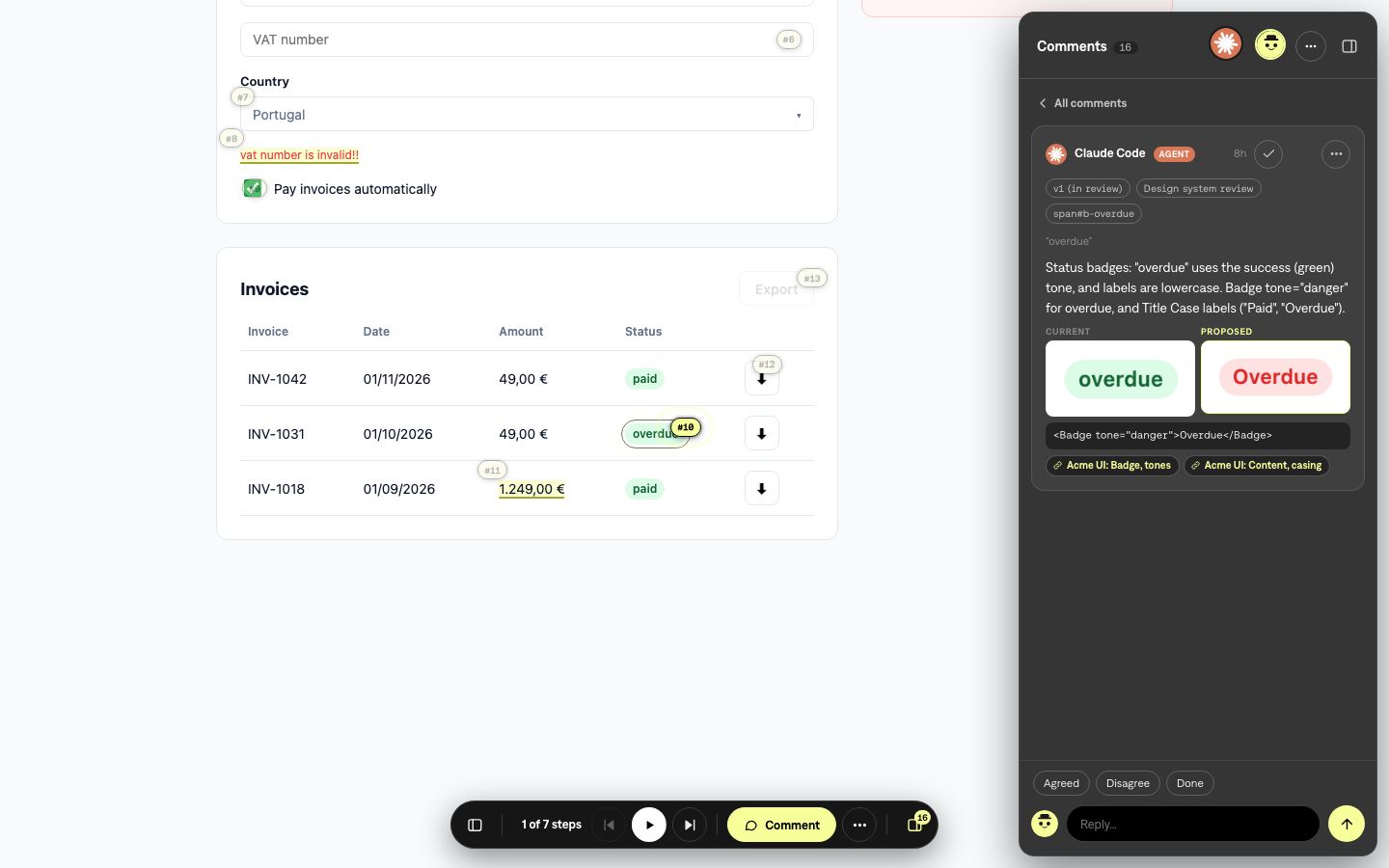
Try Merge blocked by CI, then compare v1 and v2 side by side. Open demoA billing screen checked by Claude Code against a design system. Sixteen findings, each with the current and proposed component and a link to its docs.
Open a finding: its pin pulses, and the card shows current vs proposed. Open demoPages or sections in the bar, versions side by side, comments on the exact words.
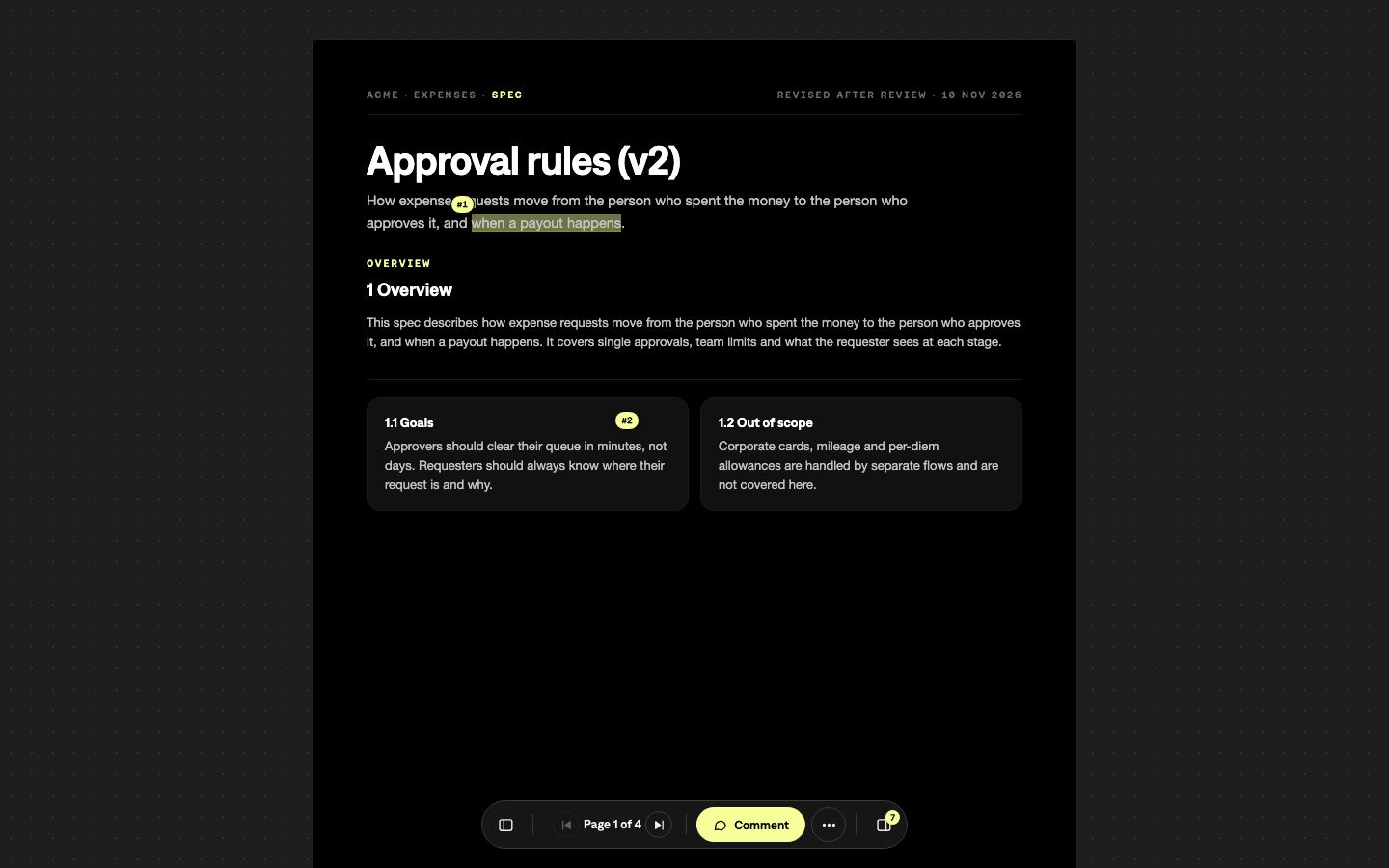
A spec on A4 pages, four versions, with a page storyboard.
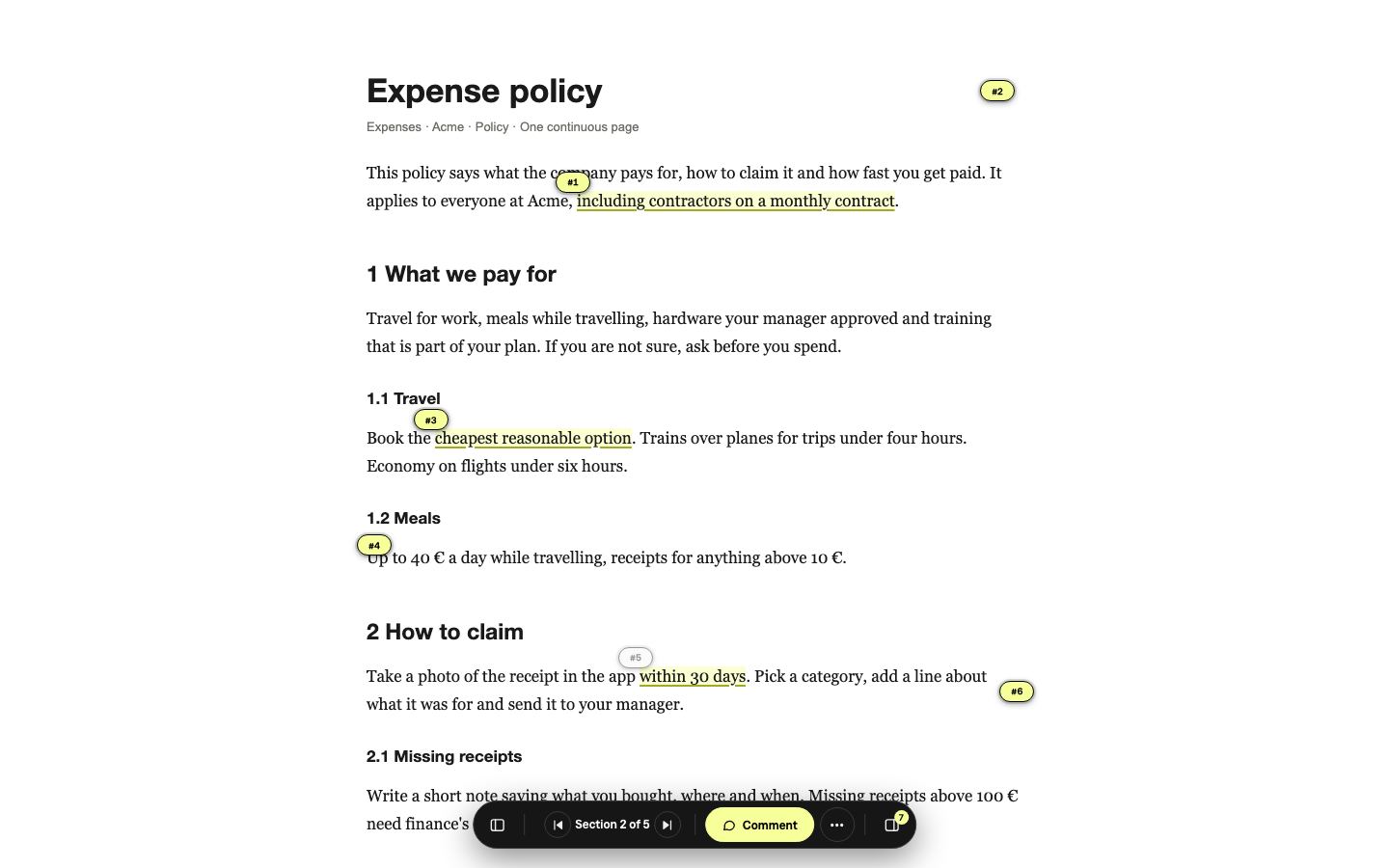
Select a sentence to comment on it, then compare v1 and v2. Open demoOne long page, stepped section by section, four versions.
Use the arrows in the bar, comment on a heading. Open demoOne slide at a time, a slide storyboard, comments on the slide they belong to.
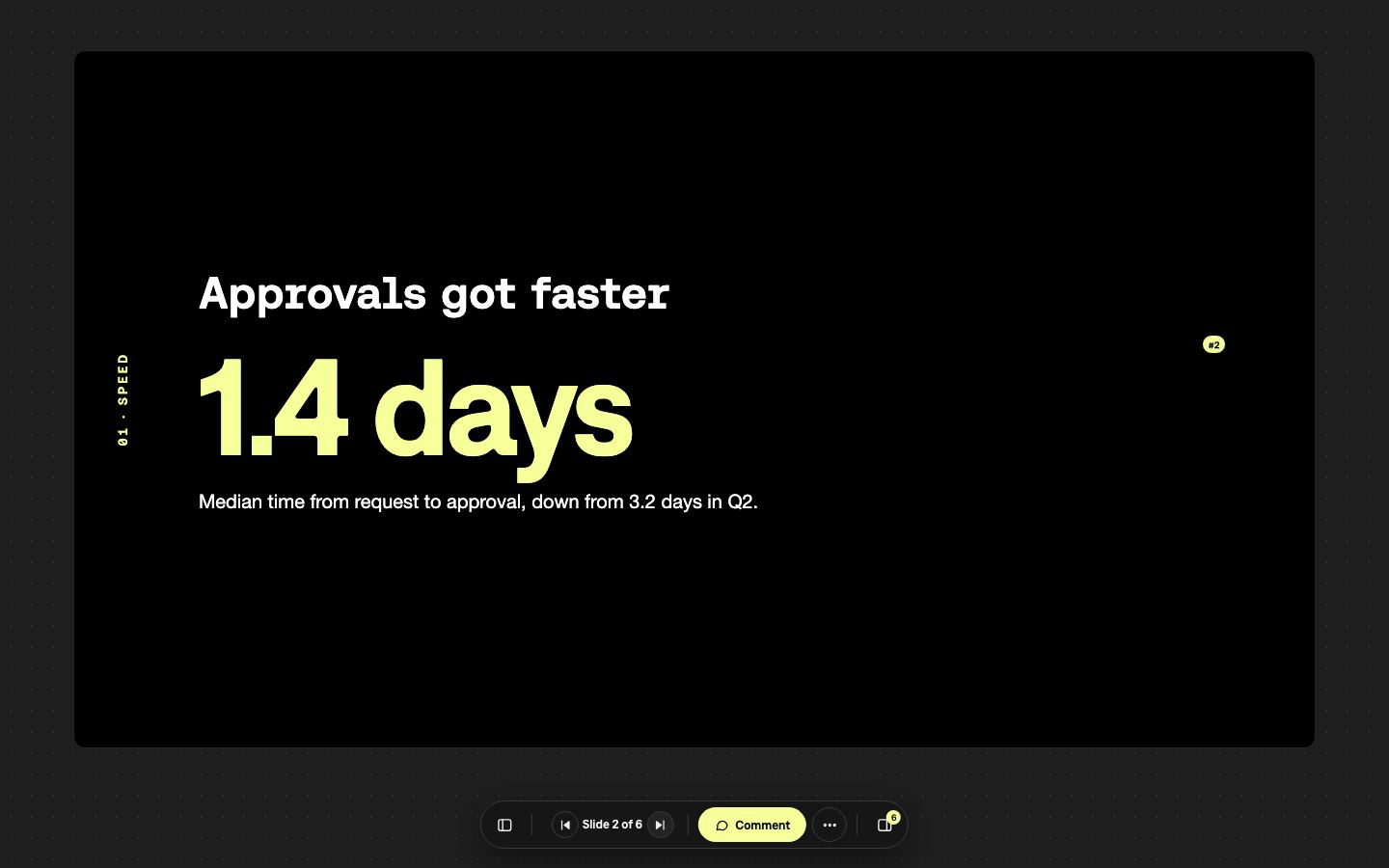
A 16:9 deck, one slide at a time, four versions.
Arrow through it, drag over a chart to comment on an area. Open demoWho you are, what state the data is in, which flags are on, what fails and how the network behaves. One config file, a searchable picker, links that carry the journey.
Name a failure once and the panel answers the prototype's real fetch and XHR calls with a 409, a timeout, an empty list or a network error.
A simulated cursor walks the journey and really clicks, types and selects. Step back and forward. Hide every control to present.
Every step, page or slide as its own live screen on a canvas. All journeys at once, with arrows where they branch.
Open any earlier version, or compare two side by side in step. Each version has a status reviewers can change.
Pages and slides in the bar. A4 pages on a canvas, continuous documents by section, decks one slide at a time.
Pin where you click, drag over an area or quote the words you select. Each comment knows its version, journey, step, page or slide, with a picture of what it points at. Agents comment too, with links to the docs behind each suggestion.
Copy a link to any comment, export comments as Markdown, record a journey as MP4. Optional password or Microsoft sign-in in front.
artifact-manager/ and annotate/ from GitHub into .claude/skills/ (read the script).SKILL.md, asks how the work should be accessed, adds one script tag, writes the config and checks every journey once.curl -fsSL https://super-artifact-manager.vercel.app/install.sh | shAdd Super Artifact Manager to this prototype. Write journeys for each role, an empty state, a heavy data set and every failure the product has to handle.
Or by hand, with a shared password in front:
node artifact-manager/bin/add.js path/to/prototype --gate password --name "Expenses"That adds control-panel.js and a journeys.json like this one:
{
  "name": "Expenses",
  "comments": true,
  "defaults": { "role": "approver", "data": "team" },
  "roles": {
    "approver":  { "label": "Approver",  "user": { "name": "Clara Voss" } },
    "requester": { "label": "Requester", "user": { "name": "Ana Costa" } }
  },
  "datasets": {
    "team":  { "label": "Normal week", "path": "mocks/team" },
    "empty": { "label": "Nothing to approve", "path": "mocks/empty" }
  },
  "failures": {
    "payoutDeclined": { "label": "Payout declined", "method": "POST",
                        "match": "/api/payouts", "status": 402 }
  },
  "journeys": [
    { "id": "approver-happy", "label": "Approver, normal week" },
    { "id": "first-day", "label": "First day", "data": "empty" },
    { "id": "payout-declined", "label": "Payout declined",
      "failures": ["payoutDeclined"] }
  ]
}Set the type in the config. Pages are .page elements, slides are .slide. A document without page elements is stepped by its headings.
{
  "type": "presentation",
  "name": "Q3 review",
  "comments": true,
  "iterations": [
    { "id": "v2", "url": "index.html", "status": "review" },
    { "id": "v1", "url": "v1.html", "status": "closed" }
  ]
}
Load it with <script src="control-panel.js" data-config="artifact.json"></script> before the page's own scripts.
"comments": true keeps comments in the reviewer's browser. Copy or export them as Markdown for your agent."comments": { "live": true, "url": "wss://<your-relay>/sync" }.node artifact-manager/bin/comment.js path/to/artifact --selector "#total" --text "…" --link "Docs|https://…" writes to comments.json, which the page loads with "comments": { "file": "comments.json" }. From a browser, SMAnnotate.add({ comment, selector, links }).| Key | Does |
|---|---|
| J | Open or close the drawer |
| A | Comment |
| C | Show or hide the comments sidebar |
| P | Show or hide comment pins |
| ← → | Previous or next page or slide |
| ⌥ C ⌥ E | Copy all comments, export them as .MD |
| ⌘ \ | Hide every control, for presenting |
| Esc | Stop commenting, close what's open |
cd super-artifact-manager/artifact-manager
npm run demo        # http://localhost:4630/artifact-manager/examples/
npm install && npm test                               # unit + gate
npx playwright test --config playwright.config.cjs    # end to end